- Home
- Retirement
- Social Security
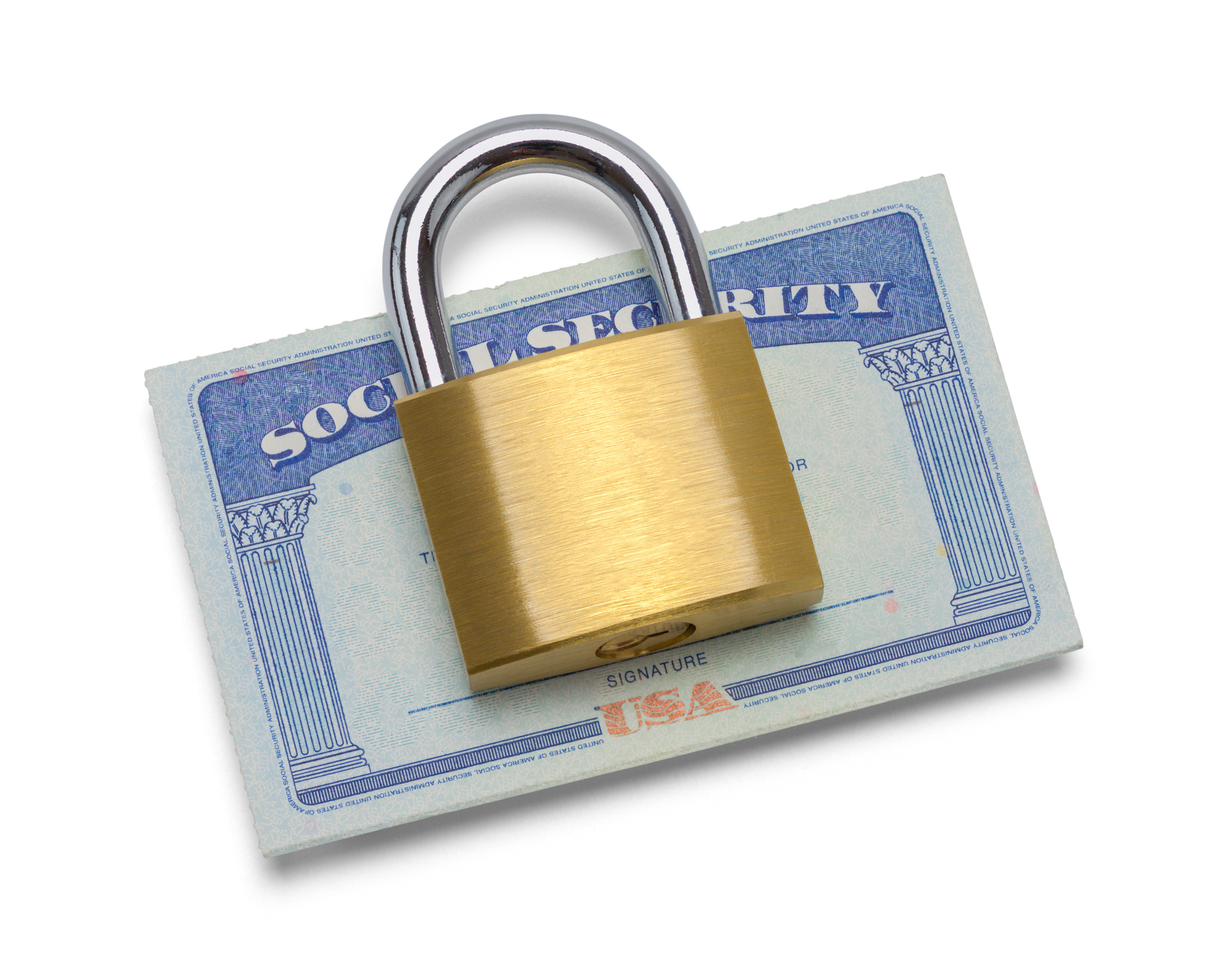
Here is how to keep your Social Security number private in an age of aggressive cybercriminals.
 By
Donna LeValley
published
12 February 2026
in Features
By
Donna LeValley
published
12 February 2026
in Features
When you purchase through links on our site, we may earn an affiliate commission. Here’s how it works.
 (Image credit: Getty Images)
- Copy link
- X
Profit and prosper with the best of Kiplinger's advice on investing, taxes, retirement, personal finance and much more. Delivered daily. Enter your email in the box and click Sign Me Up.
Contact me with news and offers from other Future brands Receive email from us on behalf of our trusted partners or sponsors By submitting your information you agree to the Terms & Conditions and Privacy Policy and are aged 16 or over.You are now subscribed
Your newsletter sign-up was successful
Want to add more newsletters?

Delivered daily
Kiplinger Today
Profit and prosper with the best of Kiplinger's advice on investing, taxes, retirement, personal finance and much more delivered daily. Smart money moves start here.
Signup +
Sent five days a week
Kiplinger A Step Ahead
Get practical help to make better financial decisions in your everyday life, from spending to savings on top deals.
Signup +
Delivered daily
Kiplinger Closing Bell
Get today's biggest financial and investing headlines delivered to your inbox every day the U.S. stock market is open.
Signup +
Sent twice a week
Kiplinger Adviser Intel
Financial pros across the country share best practices and fresh tactics to preserve and grow your wealth.
Signup +
Delivered weekly
Kiplinger Tax Tips
Trim your federal and state tax bills with practical tax-planning and tax-cutting strategies.
Signup +
Sent twice a week
Kiplinger Retirement Tips
Your twice-a-week guide to planning and enjoying a financially secure and richly rewarding retirement
Signup +
Sent bimonthly.
Kiplinger Adviser Angle
Insights for advisers, wealth managers and other financial professionals.
Signup +
Sent twice a week
Kiplinger Investing Weekly
Your twice-a-week roundup of promising stocks, funds, companies and industries you should consider, ones you should avoid, and why.
Signup +
Sent weekly for six weeks
Kiplinger Invest for Retirement
Your step-by-step six-part series on how to invest for retirement, from devising a successful strategy to exactly which investments to choose.
Signup + An account already exists for this email address, please log in. Subscribe to our newsletterYour Social Security Number (SSN) was never designed to be the "master key" for your entire financial life, yet in 2026, that is exactly what it has become. In an era where data breaches are practically a weekly occurrence and AI-powered scammers can generate convincing fake identities in seconds, simply "guarding" your nine-digit number is no longer enough.
To truly protect your future, you need to transition from a passive defense to an active one. Locking your SSN is a strategic move that shuts down the two most common avenues for fraud: illegal employment and unauthorized access to your government records. By understanding the tools available — from the E-Verify "Self Lock" to the SSA’s "Electronic Access Block" — you can effectively take your identity off the market.
How to lock your Social Security number
Locking your Social Security Number (SSN) isn't a single "on/off" switch. Instead, it involves two primary government features designed to stop different types of identity theft: account takeover and employment fraud.
From just $107.88 $24.99 for Kiplinger Personal Finance
Become a smarter, better informed investor. Subscribe from just $107.88 $24.99, plus get up to 4 Special Issues
CLICK FOR FREE ISSUE
Sign up for Kiplinger’s Free Newsletters
Profit and prosper with the best of expert advice on investing, taxes, retirement, personal finance and more - straight to your e-mail.
Profit and prosper with the best of expert advice - straight to your e-mail.
Sign upWhile you cannot "freeze" an SSN exactly like a credit report, you can achieve a similar result using two distinct government "locks." Here is the breakdown of how they work and how they differ.

The E-Verify "Self Lock" (employment protection)
This lock specifically prevents scammers from using your SSN to get a job or pass an employment background check at any of the millions of employers that use the federal E-Verify system.
Why this is important: If someone uses your SSN for work, the employer may report that person’s income to the IRS using your SSN. When you file your tax return, you wouldn’t have included those earnings because they weren’t yours. But the IRS doesn’t know that. Their records will show you failed to report all of your income.
- How it works: You create a myE-Verify account. Once locked, any employer who runs your SSN through the E-Verify system will receive a "mismatch," effectively stopping the hiring process.
- How to use Self Lock- The Self Lock feature is only available to myE-Verify account holders. To lock your SSN, you must select and answer three challenge questions. Select questions you can easily answer, because you will need to answer them again to verify your identity if you receive an E-Verify Tentative Non-confirmation (mismatch) due to Self Lock.
- Duration: The lock lasts for one year. You will receive a notification 30 days before it expires to renew it.
- The 2026 twist: With the rise of AI-generated identities, this lock is one of the few ways to ensure your "work history" isn't being used by someone else.
Reminder: If you are about to start a new job with an E-Verify employer, you should log into your account and unlock your SSN.
SSA "Block Electronic Access" (stops account takeover)
When you block electronic access to your account, this blocks everyone — including you — from accessing or changing your Social Security records online or via the SSA's automated phone system.
When you do this, no one, including you, will be able to see or change your personal information. If you have requested that the SSA block access to your record and later change your mind or simply need access, you can contact the SSA and ask to have the block removed. You will need to prove your identity when you contact the SSA.
- How it works: You must call the Social Security Administration at 1-800-772-1213 or visit a local SSA office to request an "Electronic Access Block." It blocks all automated telephone and internet access to your record.
- The catch: The block includes you. If you need to check your benefits or change your address, you will have to visit a Social Security office in person or speak to a live agent and provide proof of identity.
- Why use it: Use this if you want to prevent a hacker from "claiming" your account via Login.gov or ID.me, and/or if you know your SSN has been leaked in a major breach.
SSN lock vs credit freeze
Locking your Social Security Number (SSN) has become a more common and necessary tactic as AI-driven fraud, such as voice cloning and deepfakes, has made standard identity verification less reliable. Hackers and cybercriminals are relentless. According to a study by the University of Maryland, a cyber attack occurs every 39 seconds, translating into an average of 2,244 attacks per day.
Being able to limit access to your information and limit the use of your SSN is a valuable tool to have if you think your number has been compromised or if your identity has been stolen.
So, while you can’t put a freeze on your SSN the same way you can freeze your credit, you can make it more secure and harder to exploit.
Swipe to scroll horizontallyRow 0 - Cell 0SSN lock (E-Verify/SSA)
Credit freeze
Primary goal:
Stop employment fraud/record access.
Stop new credit cards/loans.
Managed by:
DHS (E-Verify) & SSA.
Equifax, Experian and TransUnion.
Cost:
Free
Free (Federal law)
Impact:
Blocks employers/government from verifying your SSN. Blocks everyone, including you, from your SSA account.
Blocks lenders from seeing your credit score.

SSN security checklist
Here is a step-by-step checklist to secure your Social Security Number. Since 2026 brings new digital requirements, such as mandatory Login.gov or ID.me accounts for access to your Medicare account, following these steps in order is the most efficient way to build your "identity fortress."
- The "Digital deadbolt"
- Create your mySocialSecurity account: Before locking anything, ensure you have an active account at SSA.gov. You must use Login.gov or ID.me to sign in. Creating this now prevents a scammer from "claiming" your digital identity first.
- Activate the SSA "Electronic Access Block": Call the Social Security Administration or visit your local office. Request to block all automated telephone and electronic access to your record.
- Engage the E-Verify "Self Lock": Visit myE-Verify and create an account. Use the "Self Lock" feature to prevent your SSN from being used for employment eligibility checks.
- The "Financial firewall"
- Freeze your credit: Contact the three major credit bureaus individually (Equifax, Experian and TransUnion). A credit freeze is the most effective way to stop unauthorized loans or credit cards from being opened in your name.
- Request an IRS Identity Protection PIN (IP PIN): Visit the IRS IP PIN portal. This 6-digit code acts as a second password for your tax return, making it nearly impossible for a scammer to file a fraudulent return for your refund.
- Ongoing maintenance
- Store your security keys: Keep the answers to your E-Verify security questions and your IRS IP PIN in a secure password manager.
- Mark your calendar for renewals: Set a reminder for 11 months from today to renew your E-Verify Self Lock.
- Pre-Unlock for major life events: If you are applying for a new job or a mortgage, remember to "thaw" your credit and "unlock" your E-Verify status 48–72 hours in advance to avoid delays.
Securing your Social Security Number isn't a "set it and forget it" task; it's an ongoing commitment to your digital well-being. While the process of activating these blocks might take an afternoon of phone calls and web forms, the peace of mind it buys is invaluable.
By putting these barriers in place, you aren't just protecting a number; you’re protecting your tax refunds, your future retirement benefits, and your credit reputation from being hijacked. In a world where identity is the new currency, a locked SSN ensures that you are the only one authorized to spend it. Don't wait for a notification of a "suspicious login" or an IRS audit to take action — build your "identity fortress" today while the keys are still firmly in your hands.
We curate the most important retirement news, tips and lifestyle hacks so you don’t have to. Subscribe to our free newsletter, Retirement Tips.
Related Content
- The Average Monthly Social Security Check
- How to Freeze Your Credit in Three Steps
- How to Protect Your Identity, Finances If You Lose Your Phone
- How to Protect Your Home From Deed Fraud
 Donna LeValleyRetirement Writer
Donna joined Kiplinger as a personal finance writer in 2023. She spent more than a decade as the contributing editor of J.K.Lasser's Your Income Tax Guide and edited state specific legal treatises at ALM Media. She has shared her expertise as a guest on Bloomberg, CNN, Fox, NPR, CNBC and many other media outlets around the nation. She is a graduate of Brooklyn Law School and the University at Buffalo.
Latest-
 How to Budget as a Couple Without Fighting
These tips will help you get on the same page to achieve your financial goals, with minimal drama.
-
 Emergency Travel Assistance Memberships Explained
Emergency travel assistance memberships help coordinate medical evacuations and emergency travel support. Here is how they differ from insurance and how major providers compare.
-
 These Retirement Planning Steps Protect the Life You Want
This kind of planning focuses on the intentional design of your estate, philanthropy and long-term care protection.
-
These Thoughtful Retirement Planning Steps Help Protect the Life You Want in Retirement
This kind of planning focuses on the intentional design of your estate, philanthropy and long-term care protection.
-
 Fixed Indexed Annuities and Bonds: The Perfect Match as Interest Rates Inch Lower?
The prospect of more interest rate cuts has investors wondering how to enhance the bond portion of their portfolio. A fixed indexed annuity could be the answer.
-
 'Fee-Only' and 'Fiduciary' Are Not the Same: A Financial Pro Sets the Record Straight
The terms fiduciary and fee-only are not interchangeable. Knowing the difference ensures investors get the advice and the consumer protection they need.
-
 Dad Is a 68-Year-Old Widower, Forced to Retire. He's Wonderful, but May Need More Time Than I Can Give.
My dad is fun and handsome, but reeling after so much loss. Relationship experts give their advice.
-
 I'm a Financial Adviser: This Is Why a Second (Gray) Divorce Could Cost You Big-Time
Divorce isn't any easier the second time, especially if you've remarried later in life. Rushing to settle without proper advice can have serious consequences.
-
 A Matter of Trustees: Is Your Spouse the Best Person to Manage the Kids' Trusts?
Naming your spouse as trustee can provide invaluable familial insight and continuity, but you should carefully weigh those benefits against potential risks.
-
 New Plan Could End Surprise Taxes on Social Security 'Back Pay'
Social Security Taxes on Social Security benefits are stirring debate again, as recent changes could affect how some retirees file their returns this tax season.
-
 Oval Office Legacies: The Social Security History Quiz
Quiz Test your knowledge of the historical development of Social Security under various U.S. presidents from Roosevelt to Trump.