 Credit: Lucas Gouveia/Android Police | Melimey/Shutterstock
 By
Ben Khalesi
Published 14 minutes ago
By
Ben Khalesi
Published 14 minutes ago
Ben Khalesi covers the intersection of artificial intelligence and everyday tech at Android Police. With a background in AI and data science, he enjoys making technical topics approachable for those who don’t live and breathe code. Ben is currently based in Sydney and has four years of professional writing experience across technology and digital industries. Outside work, he enjoys traveling, bouldering, and playing the latest AAA games.
Sign in to your Android Police account Summary Generate a summary of this story follow Follow followed Followed Like Like Thread Log in Here is a fact-based summary of the story contents: Try something different: Show me the facts Explain it like I’m 5 Give me a lighthearted recapThe idea behind digital wallets is simple. Tap your phone and pay without hassle. Yet, Android users in 2025 still run into issues with Google Wallet.
For a product from a company as big as Google, it should just work. And it does, but only most of the time. There are still those moments where payments fail, settings get confusing, and features refuse to sync.
After all this time, using Google Wallet can still feel like beta testing rather than enjoying a finished service.
So the real question is, how long will it take before digital wallets just work the way they’re supposed to?
The verification delay that ruins tap-and-go payments and tipping
 Credit: Lucas Gouveia / Android Police | Geobor / Shutterstock
Digital payments promise to cut out awkward moments, yet Google Wallet can sometimes make things more complicated. Particularly when tipping.
In April 2024, Google rolled out a requirement that nearly all tap-to-pay purchases need a quick verification — like a fingerprint, PIN, or pattern — no matter how much you’re paying or where you are.
This mandatory verification step doesn’t play well with how modern Point-of-Sale (POS) terminals work, especially in places where tipping is common. Those terminals are built to quickly grab your card info, then show the tip or signature prompt right away.
But with Google Wallet’s verification delay, the process gets interrupted. You tap once to start the payment, but if the biometric check isn’t done in time, the terminal either times out or charges before the tip screen even appears.
This ruins the tap-and-go experience. You need to ask the attendant to cancel the charge or retry the payment, often resorting to cash tips or abandoning digital payments entirely.
The NFC reliability issues Google hasn’t solved
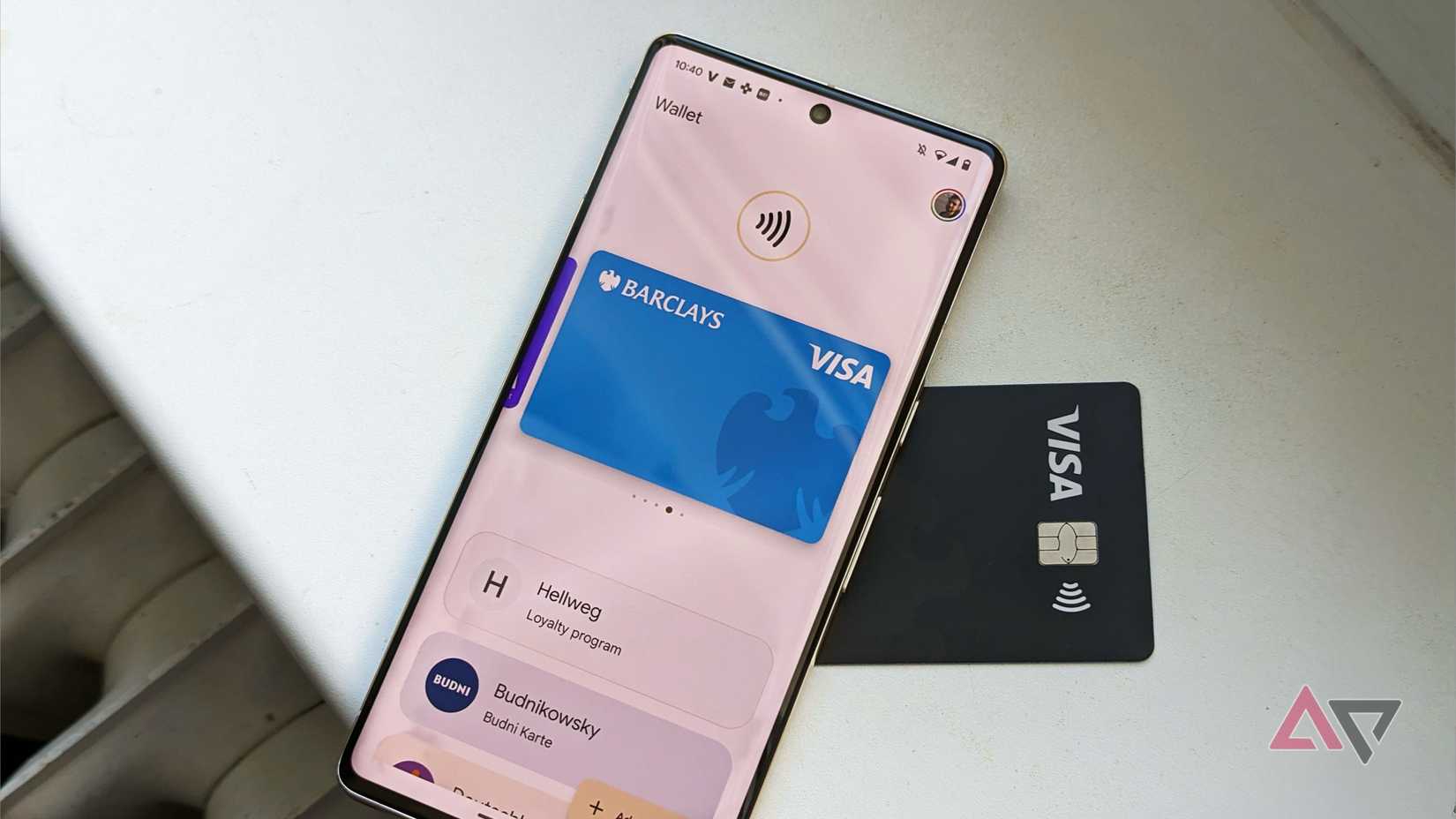
The success of any digital wallet depends on how well its NFC works. Unfortunately, Android phones sometimes struggle with NFC. Even new hardware — including Google’s own devices — can run into serious issues.
There are Pixel users who have reported that they couldn’t set up payment cards for tap-to-pay at all. Beyond setup problems, everyday use can also become unreliable.
Owners of other popular Android phones also report having to fiddle with the phone’s position and try again just to get a payment through. Regular software updates can also cause serious problems.
Even using Google’s own magnetic accessories, like the Pixel Snap, can sometimes crash the NFC service and force a full device restart to get payments working again.
Often, the fix is a cache reset or reinstalling the app, which most users don’t want to deal with. It’s no surprise that many stick with their plastic cards.
The privacy and legal gaps holding back mobile IDs
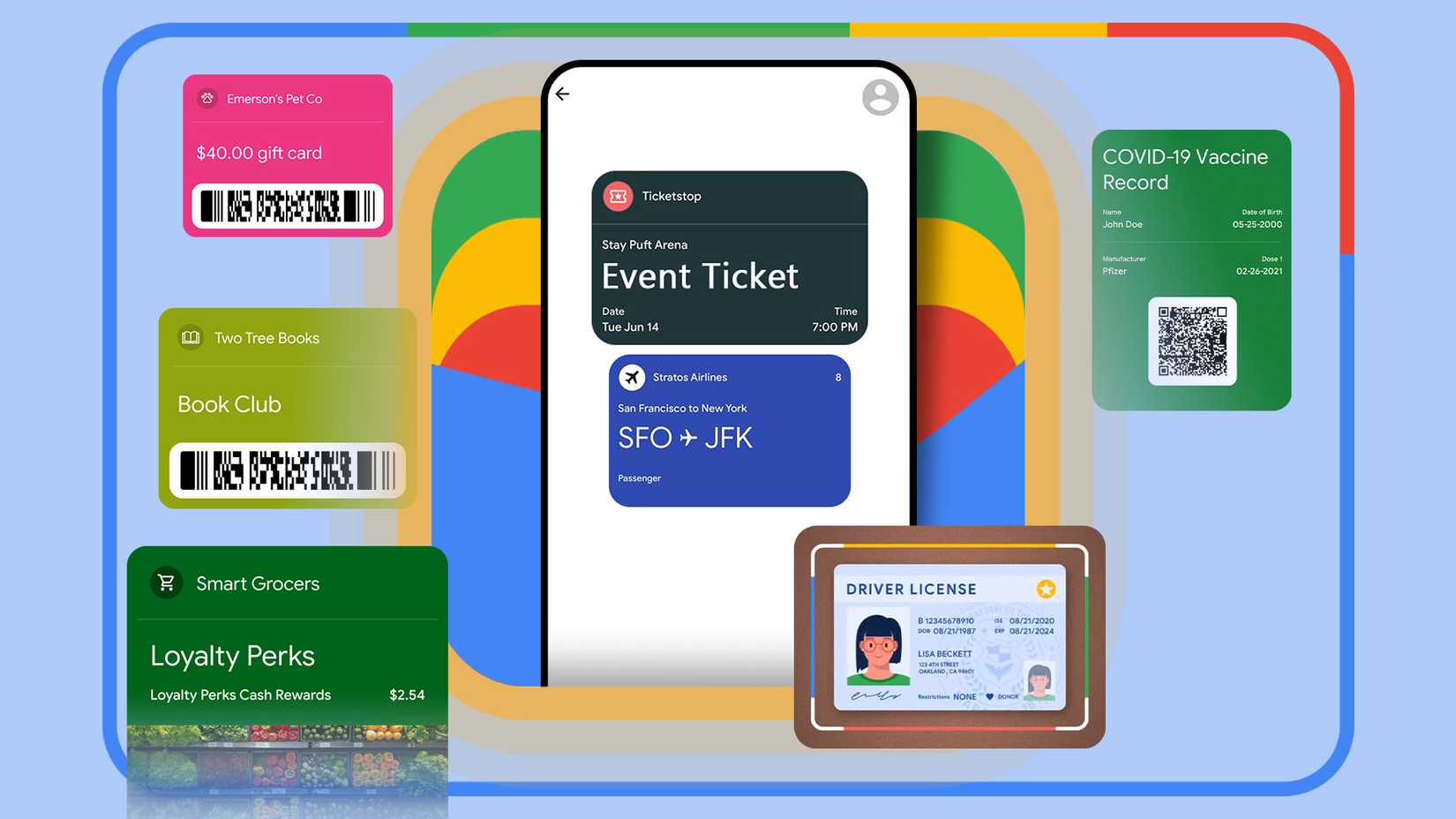 Credit: Lucas Gouveia/Android Police | Google
Digital IDs were supposed to be the reason we could finally ditch our physical wallets. But in 2025, state-by-state differences, legal gray areas, and serious privacy issues mean the feature just isn’t ready.
The rollout is still all over the place. Even at airports, where Google Wallet is accepted at more than 250 TSA checkpoints, TSA still tells travelers to bring their physical ID just in case scanners don’t work or there are compatibility problems.
When you have to carry a backup to make sure you’re covered, the whole convenience idea of digital IDs falls apart. Outside of airports, using digital IDs is even more limited because of slow-moving laws and regulations.
Moreover, using mobile digital IDs during police stops, like traffic checks, is not a good idea. Mobile Digital IDs come with a privacy risk. You have to unlock your phone to show your ID. That means handing over your unlocked phone can reveal your entire private life.
The downside of Google’s everything-in-one-app approach
 Credit: Lucas Gouveia / Android Police | Mr.Jakrapong phoaphom / Shutterstock
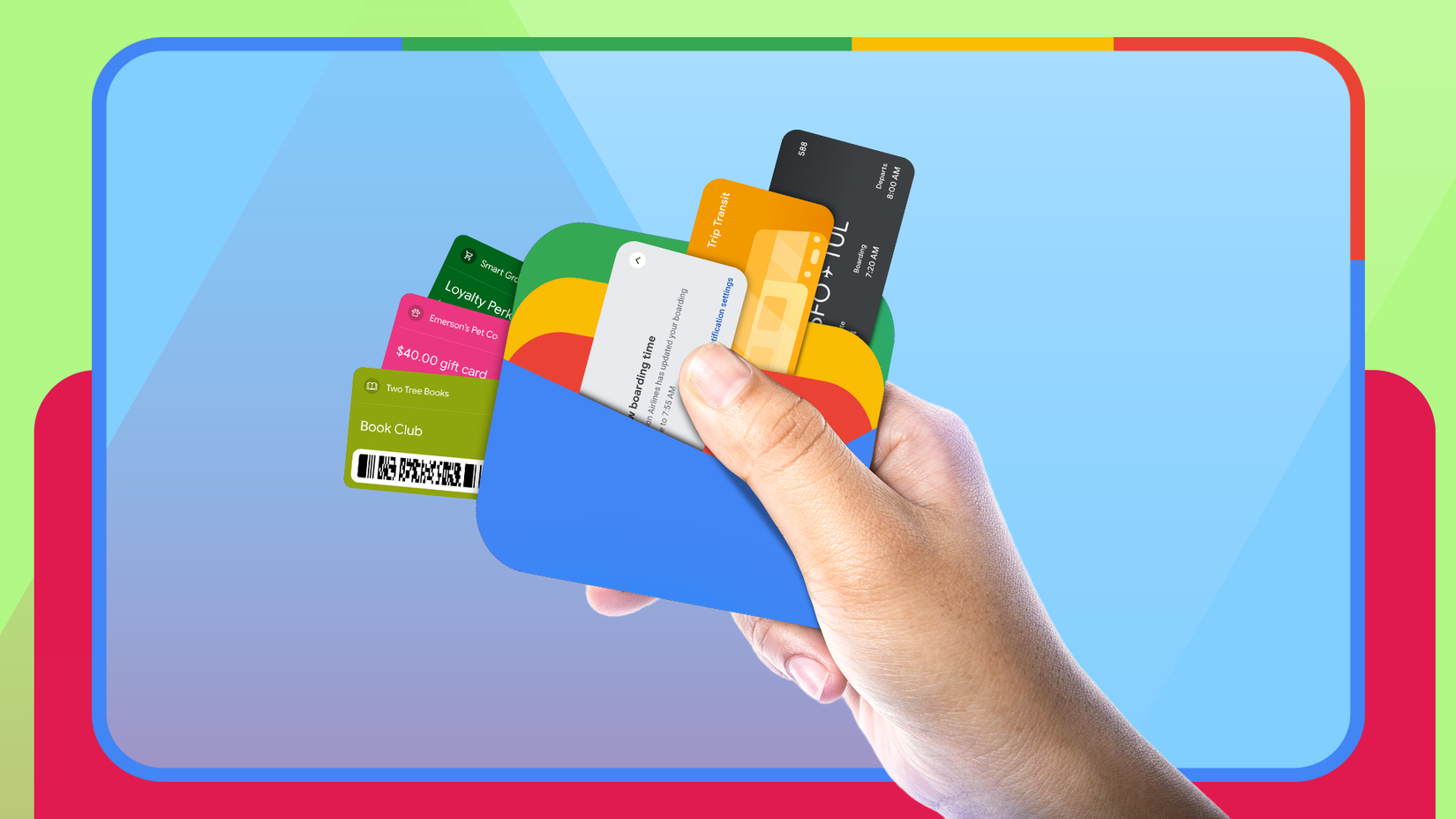
It feels like Google Wallet’s development is all about adding more features instead of focusing on quality. The app has become good at handling non-payment loyalty cards, tickets, and generic passes.
While it’s impressive how many features Google Wallet offers, this overload has led to confusion. The app often ends up like a junk drawer, burying important payment cards under a pile of passes and extras.
Google’s fixes — like grouping expired passes after 24 hours or letting users add nicknames — feel like bandages on a problem created by trying to do too much at once instead of focusing on solid engineering.
When the core payment function itself is unreliable, adding more features and clutter only makes the app feel like an unpolished experiment instead of a trusted service.
Google Wallet needs stability more than new features
Google Wallet has the size and resources of a major player, but ongoing problems keep it from giving users the smooth, hassle-free mobile payment experience they expect.
To stop feeling like it’s still in beta and actually compete on how well it works, Google needs to focus on cutting down on transaction hiccups and making its core tech stack more stable.
Without improving reliability and speed, it’ll be tough for the platform to win over users and reach its full potential.
-
 Applications
We want to hear from you! Share your opinions in the thread below and remember to keep it respectful.
Be the first to post Images Attachment(s) Please respect our community guidelines. No links, inappropriate language, or spam.Your comment has not been saved
Send confirmation emailThis thread is open for discussion.
Be the first to post your thoughts.
- Terms
- Privacy
- Feedback
 2 days ago
Dangbei is discounting its projectors up to 50% for Black Friday on Amazon Canada
 3 days ago
Anker's Qi2 multi-device charger is my personal favorite, and a Black Friday steal
 3 days ago
Meet the power bank that will save you every time your battery betrays you
 2 days ago
A new banking malware on Android is reportedly spying on your messages
Trending Now Google Maps gains Gemini enhancements to make navigation simpler
 I'm caught up in the hype about Android laptops, but I have plenty of concerns
 This premium Android tablet built for gaming now costs less than you'd ever expect